Paste artwork from Inkscape
Copy artwork in Inkscape and paste it into the Clip Deck or Clip Editor as an editable Creator Node.
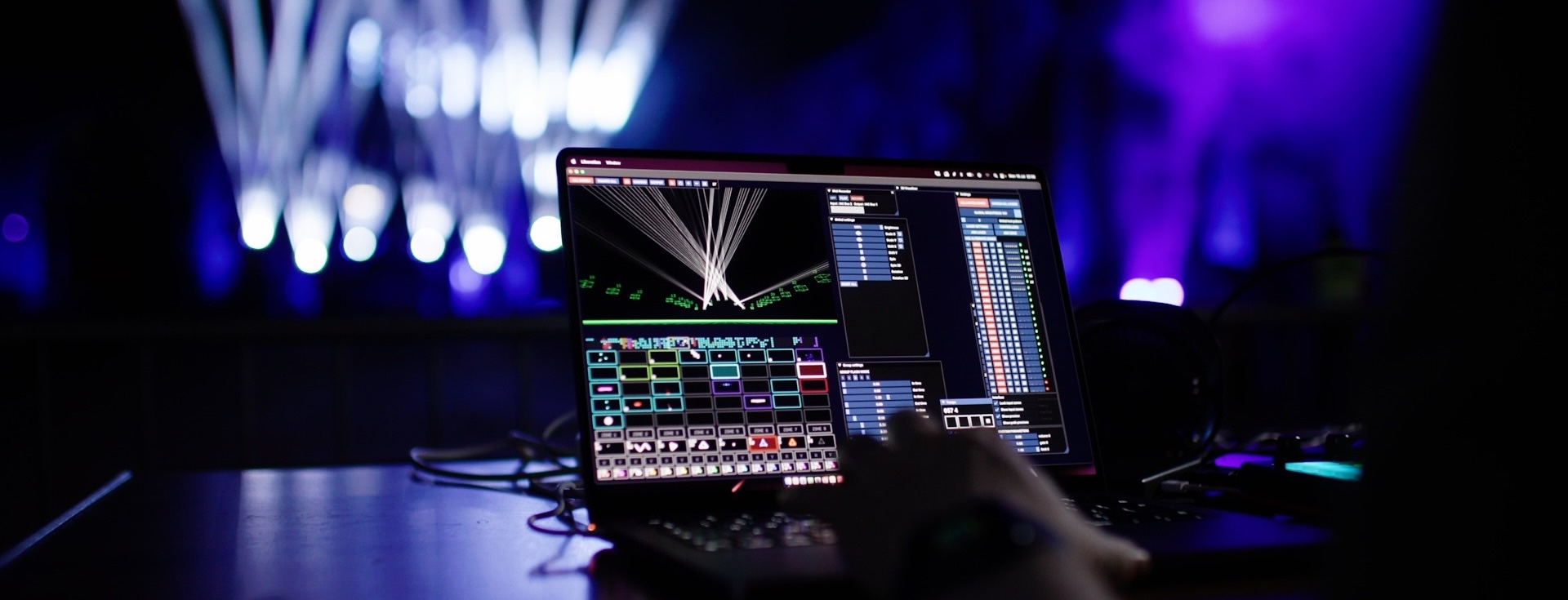
New creative tools, lighting console integration, distributed Canvas scanning and a redesigned timeline. Professional laser show software for Windows and macOS.
Create, save and visualise for free. A paid licence unlocks laser and DMX output.
[Introduce the main creative-tool additions and their practical benefits. Two short sentences.]
A new Combine node lets you unite, intersect, subtract and mask shapes.
Kaleidoscope mode joins the Mirror effector, alongside new radial and angular colour and shift modes.
The redesigned custom oscillator editor has an expanded editing window and linked oscillators.
Copy artwork in Inkscape and paste it into the Clip Deck or Clip Editor as an editable Creator Node.
Single-stroke text with bundled laser-friendly fonts. Cached glyphs keep projects portable when the original fonts aren’t installed.
Application-wide undo and redo, clip and timeline copy/paste, and patch editor improvements.
[Summarise the main changes to recording and timeline editing. Two short sentences.]
[Introduce the new lighting-console controls and relevant integration changes. Two short sentences.]
New fixture-style DMX input makes each Liberation zone a fixture, controlled via Art-Net or sACN. Select clips, blend RGB colour, position and scale graphics, rotate shapes and control effects from the console.
Choose Basic 16-channel or Extended 32-channel profiles. GrandMA and Wolfmix-compatible fixture profiles are provided.
This adds console input to Liberation’s existing DMX output workflow.
Expanded MIDI support includes APC40 Mk1/Mk2, APC64, APC Mini, Launchpad Mini Mk1/Mk3, BeatStep and MIDI Fighter Twister, with richer feedback. Other controllers can be mapped through custom configuration files.
External timecode support covers LTC, MTC, SNTC and Art-Net Timecode. A new Timecode Monitor brings source status, diagnostics and freewheel controls together.
Bring geometry streams from TouchDesigner and MadMapper into Liberation using PONK. A new Liberation SDK network protocol also lets external applications send unrendered shapes.
[Explain what automatic distribution and zone-editing changes improve. Two short sentences.]
New to lasers? Start by exploring a multi-laser setup in Liberation’s existing 3D visualiser, before connecting hardware.
[Introduce the secondary improvements worth highlighting. One short sentence.]
Send laser content to NDI video, with independent Canvas and 3D Visualiser outputs. Timeline video can also be sent via NDI with optional audio.
Built on the open-source Libera library, with added Helios Pro (IDN) and Libera Protocol support. Enable or disable controller protocols individually.
New RGB calibration curves offer 5-point and 9-point modes for adjusting each laser’s colour response.
Deferred clip loading improves startup for large projects. Clip previews, complex shapes and patch editor rendering have also been improved.
Improved Ether Dream streaming and recovery, USB DAC reconnection, audio device switching and external timecode recovery.
Trigger clips from the keyboard, use native trackpad gestures and choose CPU performance modes. Windows also gains installer and display-scaling improvements.
Read the full technical notes on the forum →
These pre-release technical notes underpin the Liberation 2 changes. The forum topic retains its original “Version 1.4.1 Beta” title.
Compatible controllers and hardware setup →
Create, edit, save and visualise complete laser shows in 3D for free.
Download Liberation - FreePhysical laser output requires an appropriate licence. View pricing