Full output view
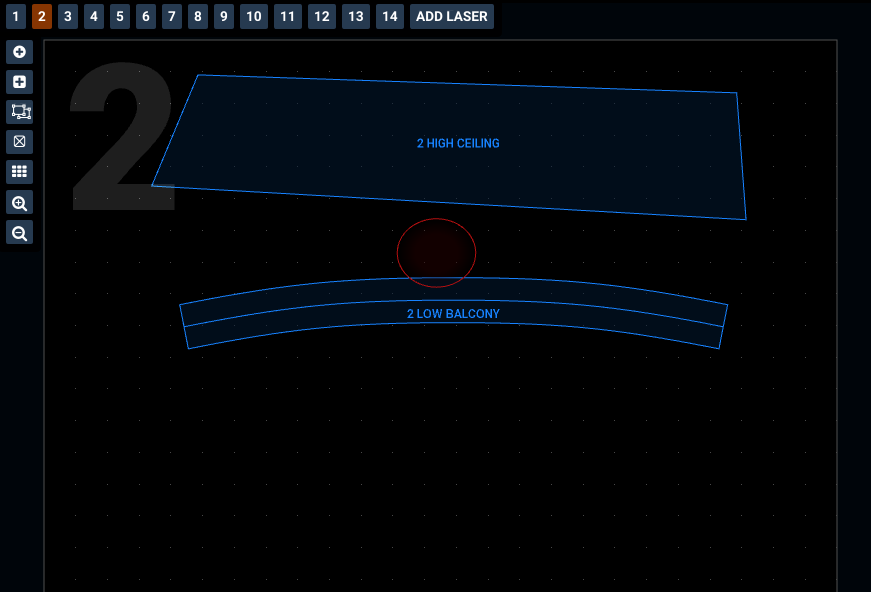
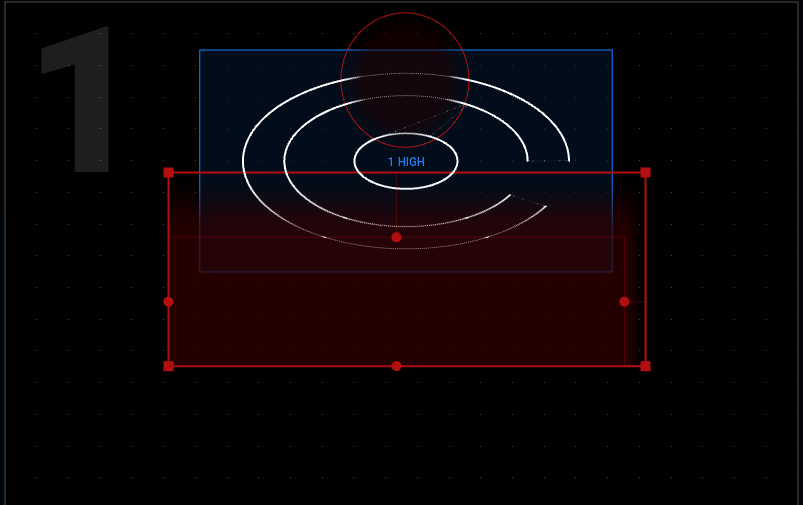
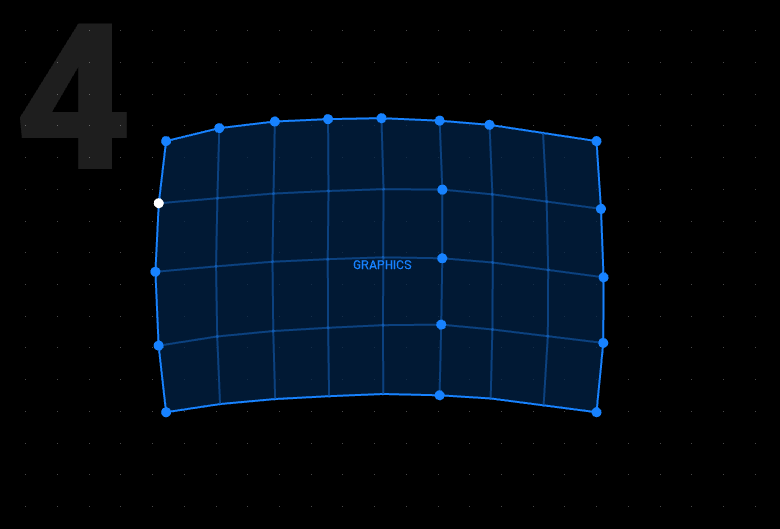
The output view shows all the zones for each laser, so you can be confident you know exactly what’s going where. Adjust your zones directly in the preview, the number at the top left shows you which laser you're on.
For Windows and macOS.
A major update with new creative tools, more expressive live control and closer integration with lighting consoles and video software.
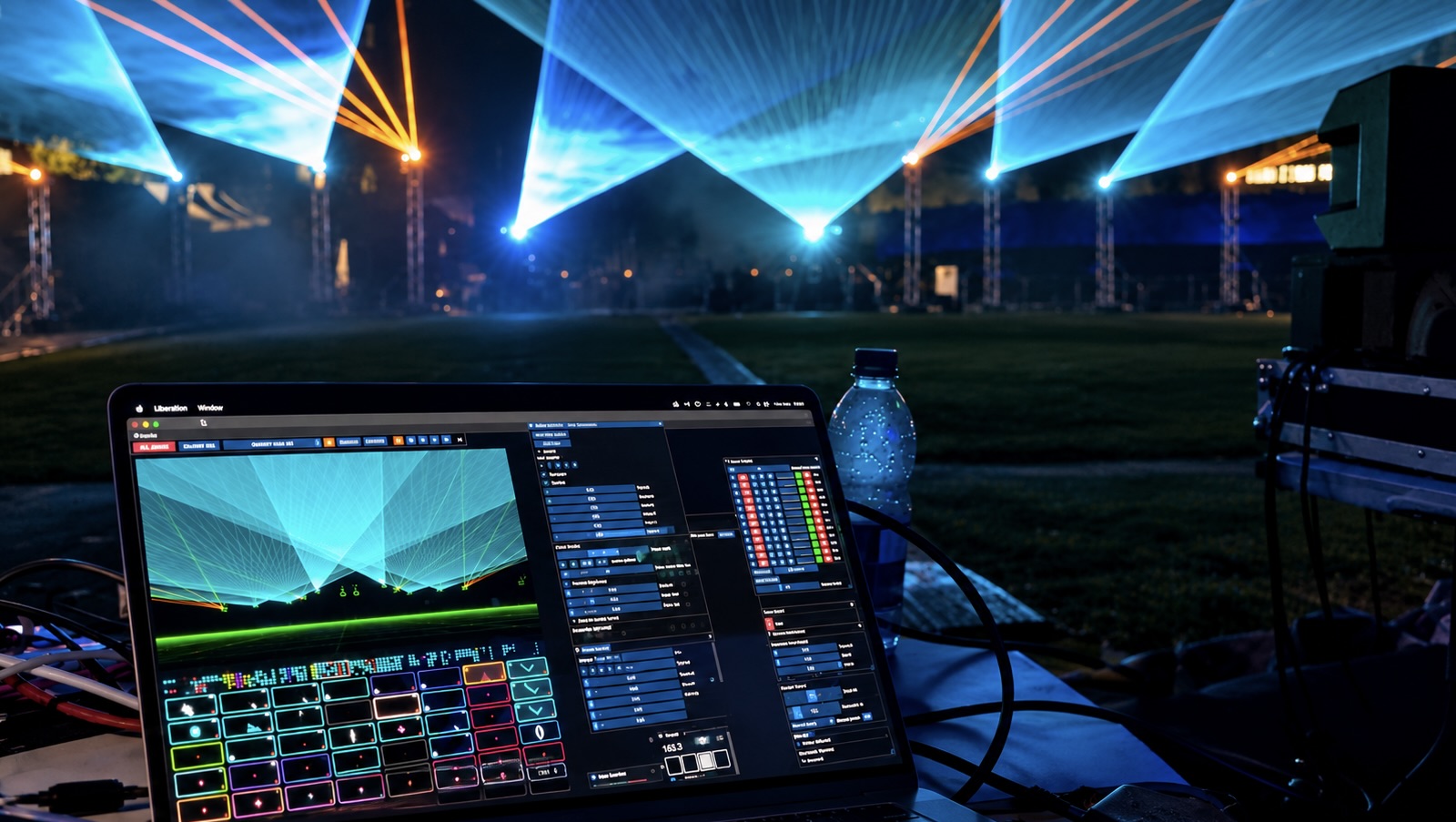
Liberation is powerful and expressive laser show software for Windows and macOS. Create patterns, animations and beam effects for laser projectors, perform live, and build shows synchronised to music.
Design, visualise and save laser shows for free - no time limits, no locked features, a paid licence unlocks laser output.
Created by BAFTA-winning artist and programmer Seb Lee-Delisle, Liberation is built for demanding real-world productions.
A major expansion of Liberation’s creative toolkit, with new ways to build shapes, import graphics and animations, and experiment with colour and movement.
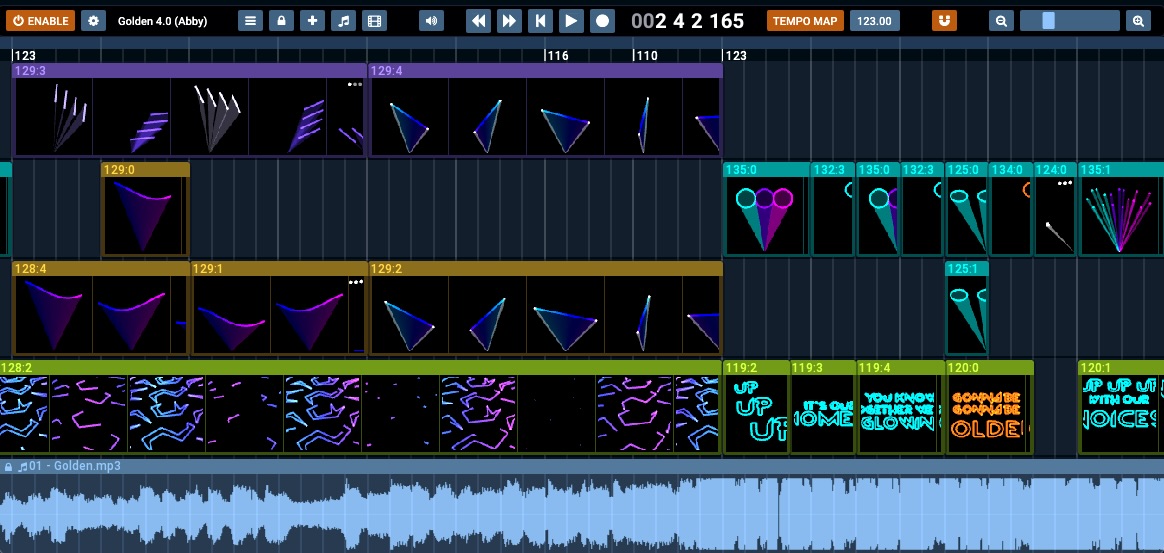
Capture live clip playback and effect changes, then refine your show on the redesigned timeline. Drag and drop audio onto the timeline and synchronise to the tempo - everything locks in automatically.
Control each zone as an independent fixture from your lighting console, with direct control over clips, colour, position and effects.
Distribute graphics automatically across multiple lasers. Map precisely with new zone types, smart segmented grids and gradient masks.
“Liberation is the way forward.”
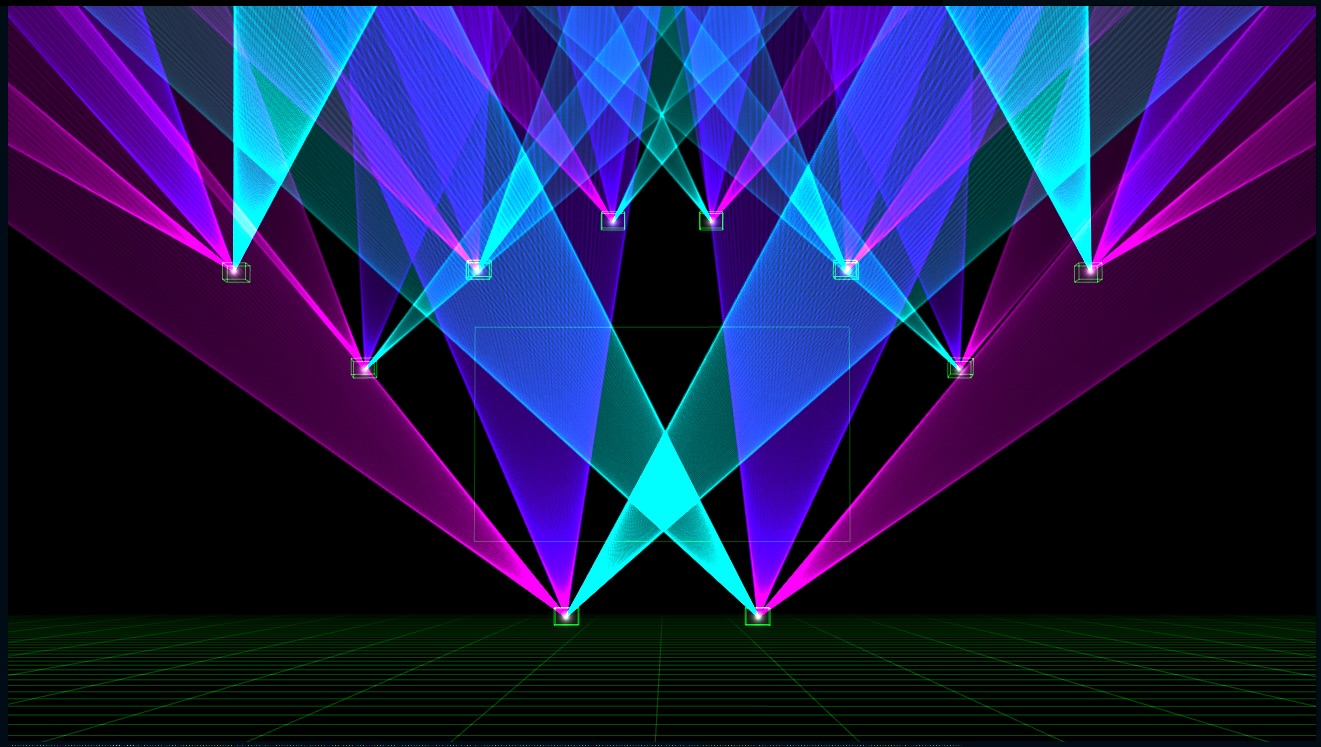
Design and preview your entire laser show in a stylised 3D environment, even in the free version, with no limit on the number of lasers. See exactly how your show will look before connecting a single laser. Create, save and visualise for free. A paid licence unlocks laser and DMX output.
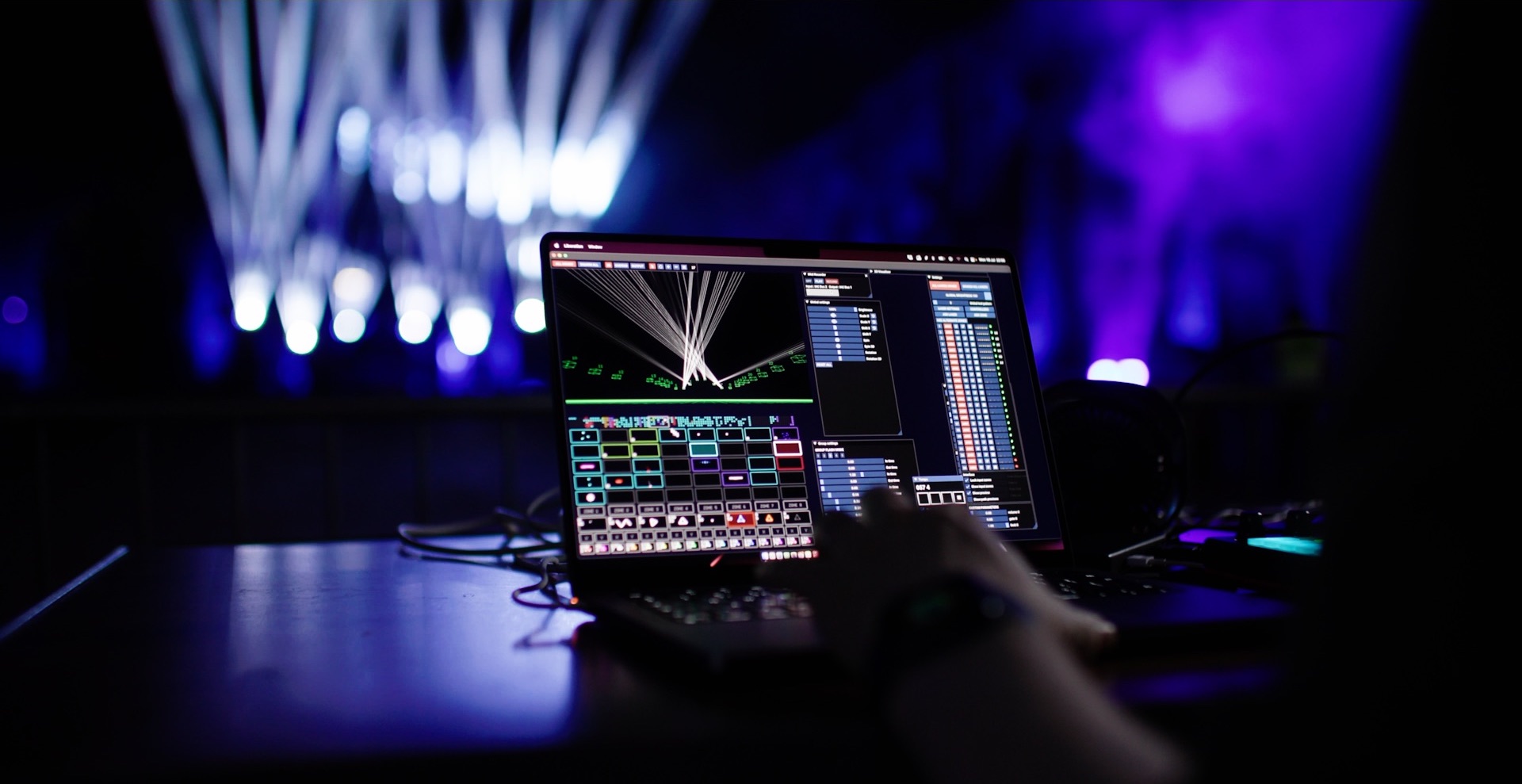
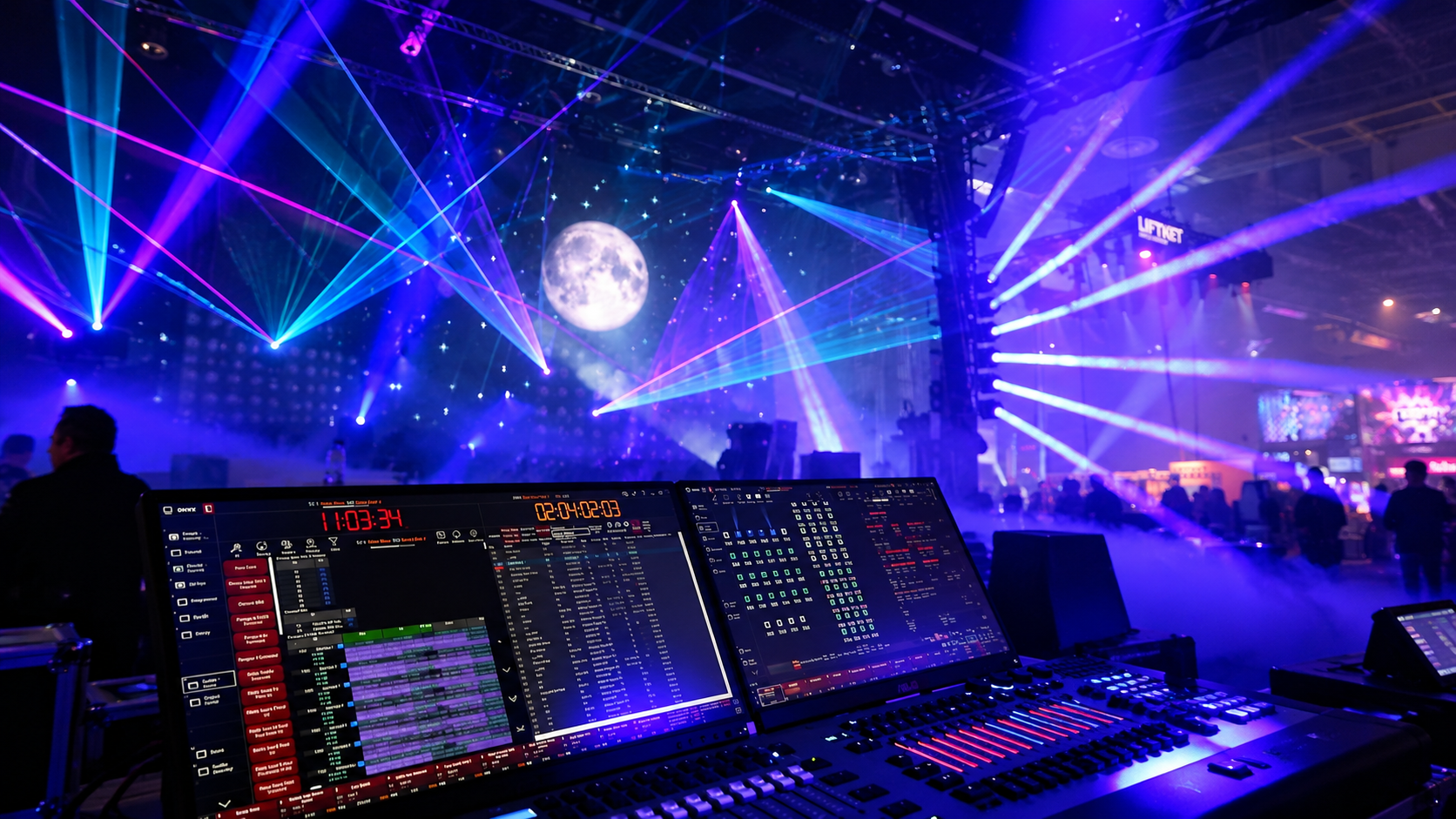
Liberation is expressive, just like a musical instrument. Perform live with MIDI controllers, triggering clips and effects, changing colours and adjusting parameters in real time. Create dynamic performances with an intuitive interface designed for creatives.
Record your live performances directly into the timeline, capturing clip triggers and parameter changes as you play. Then edit and refine your recordings to complete your finished show. Or design and refine them by hand, block by block. Sync music and video - add as many media tracks as you like without limit. Then play them back manually or synchronise to external timecode. The timeline is seamlessly integrated into the live performance system.
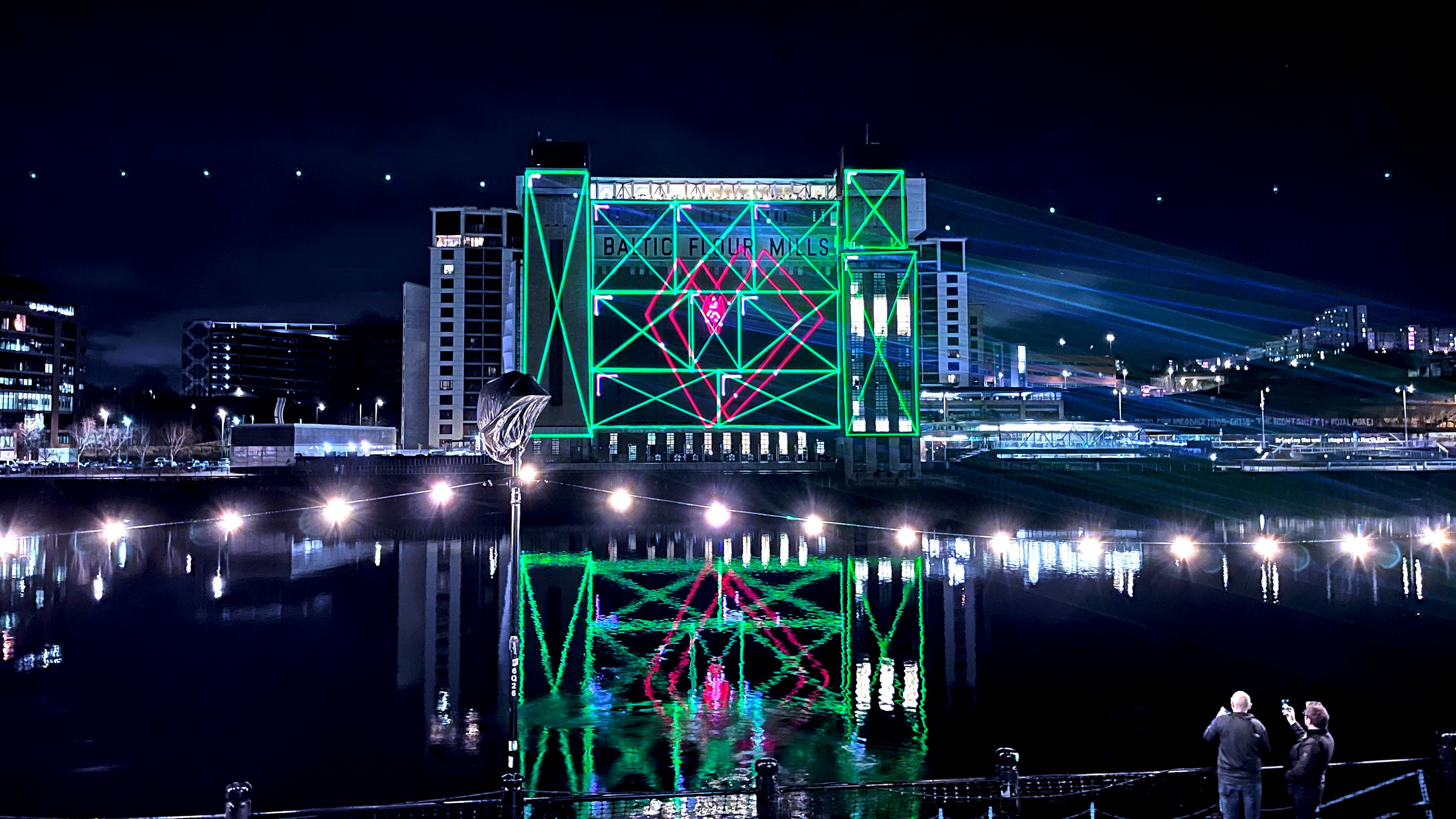
Liberation’s unique canvas system lets you map complex graphics onto architecture. Divide your artwork into sections and map them onto individual planes, or use the auto-distribution system to spread your graphics across as many lasers as you want. Unlike systems that simply divide up a pre-generated point stream, Liberation uses a complex algorithm to groups graphic elements into clusters for more efficient distribution. Then use Liberation’s segmented zones to precisely align each laser using an adjustable grid. There’s no need to move every point - adjust only the ones you need, and the rest automatically interpolate between them. Aligning multiple lasers has never been faster.
The output view shows all the zones for each laser, so you can be confident you know exactly what’s going where. Adjust your zones directly in the preview, the number at the top left shows you which laser you're on.
Masks (shown in red) stay fixed in the laser’s output, even when you move your zones. Add gradient edges for smooth fades.
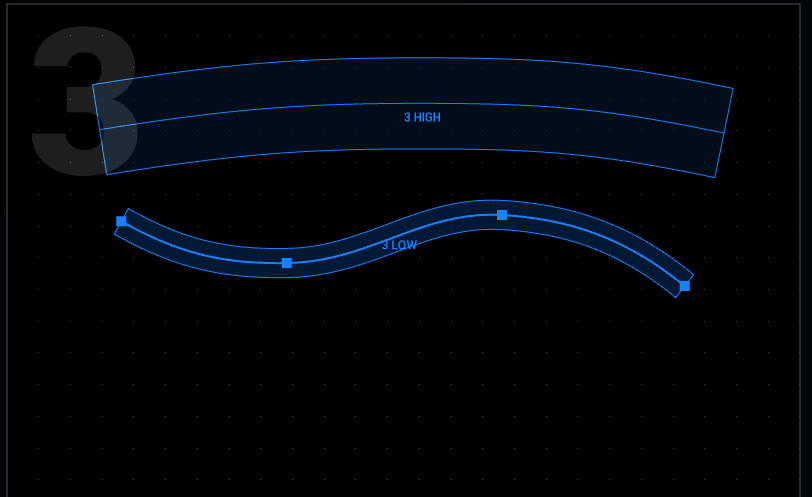
Line and curve zones give you even more control over narrow projection areas, perfect for mapping onto balconies and low ceilings. Add points where you need them or use bezier mode for fine control.
The fastest way to do very fine detail mapping. Pin the points you want to adjust, and the others automatically interpolate between them. Click in between two points to add another level of subdivision. There’s no need to position every point by hand (and for a 16 x 16 grid that would be 256 points!)
Download for Windows and macOS. Create, save and visualise for free.
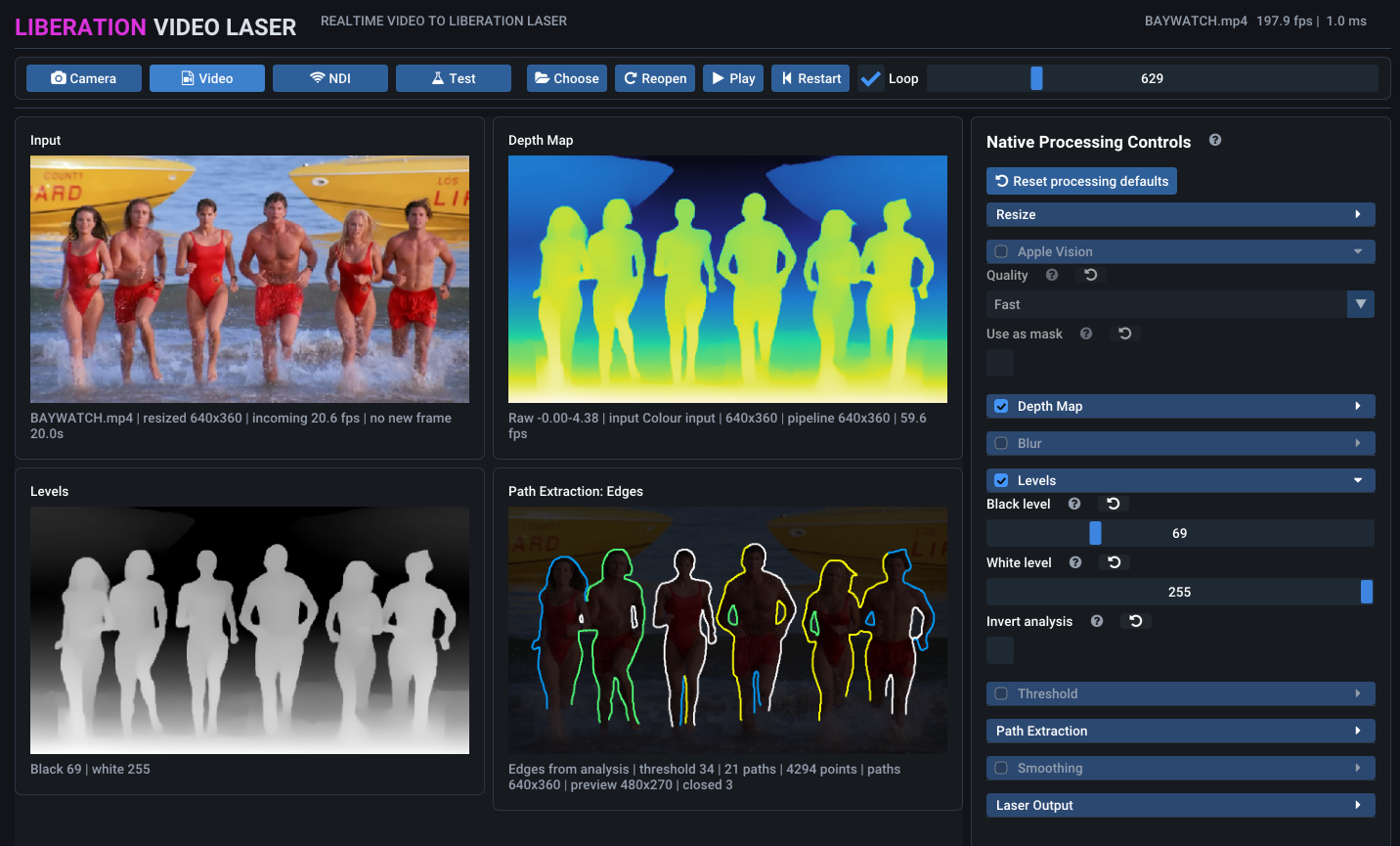
Liberation Video Laser converts images, video and NDI feeds into laser outlines in real time. Bring visuals from your favourite video software into your laser show, or turn existing footage into laser animations. Machine learning generates depth maps from 2D images, helping extract clean outlines. Choose from multiple tracing algorithms and adjust the settings to find the right balance of detail and clarity for your content. Coming soon - join the testing programme for early access.
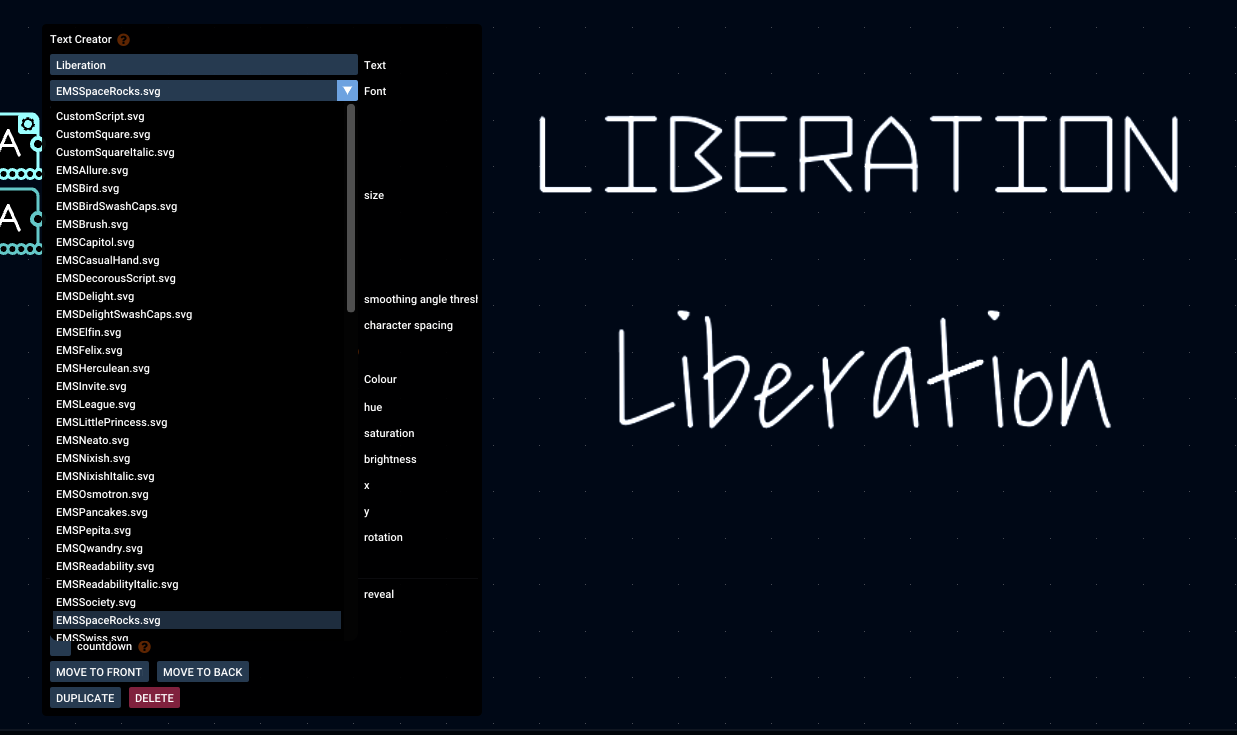
Use any TrueType or OpenType font, or choose from one of 56 single-stroke fonts optimised for lasers. Overlapping letters are automatically merged or occluded, keeping bold text clean.
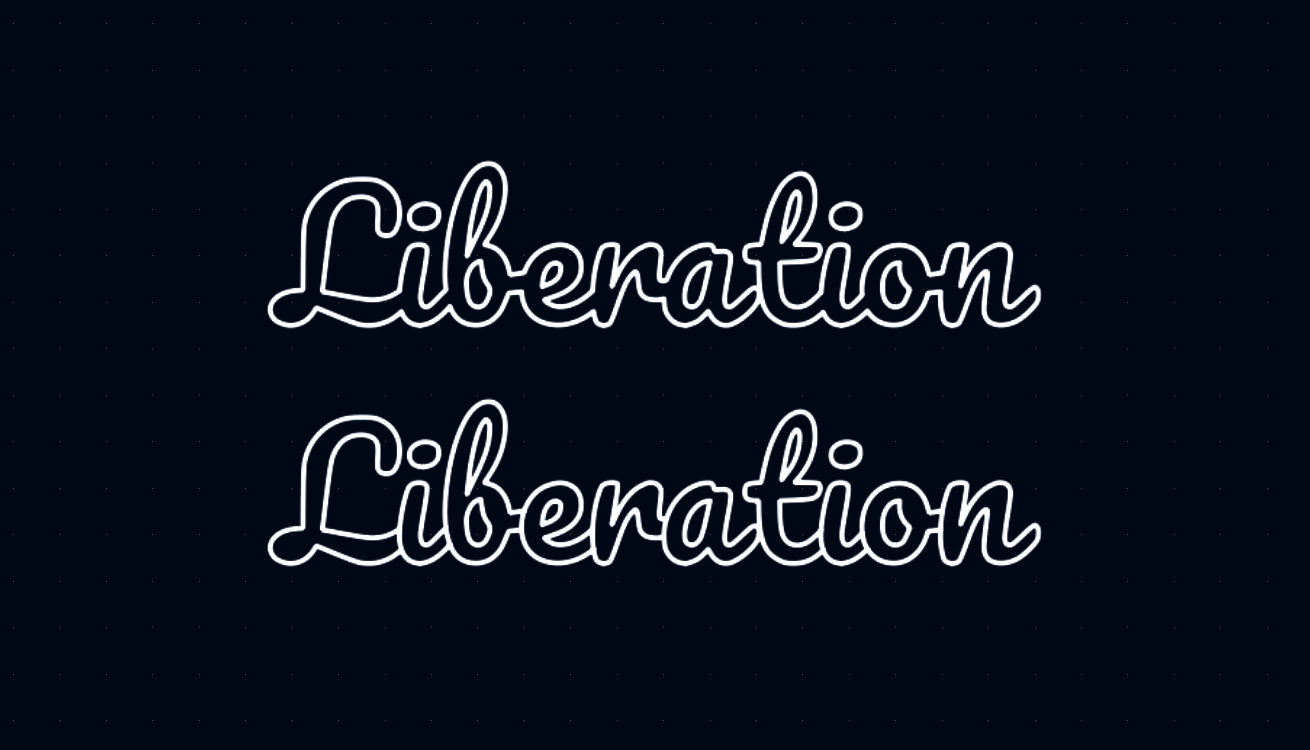
Importing vector logos and shapes has never been easier. You can cut and paste artwork from Inkscape or import SVG files. Add animation with SVG sequences or Lottie files, with sub-frame rendering for smooth Lottie playback at any speed.
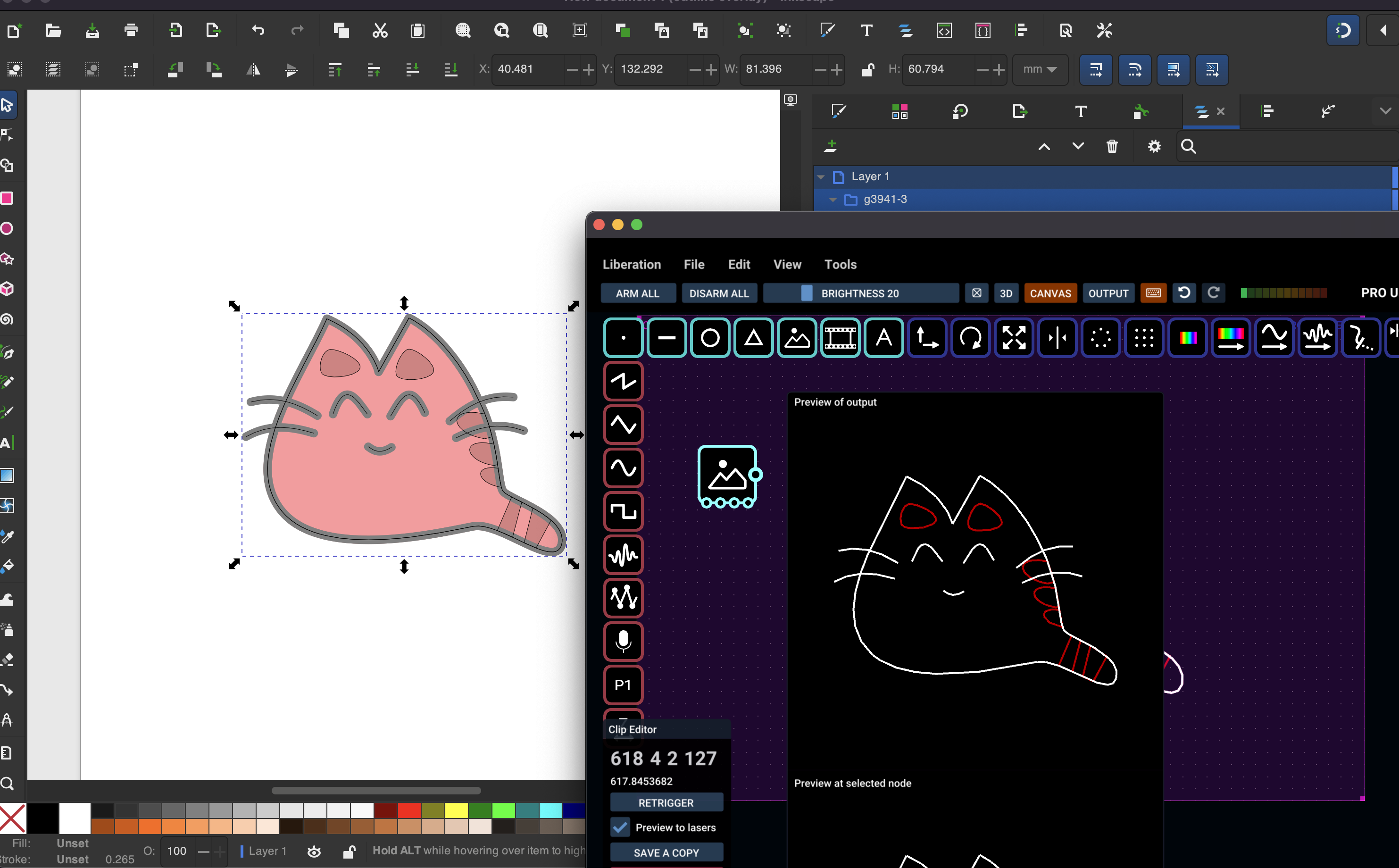
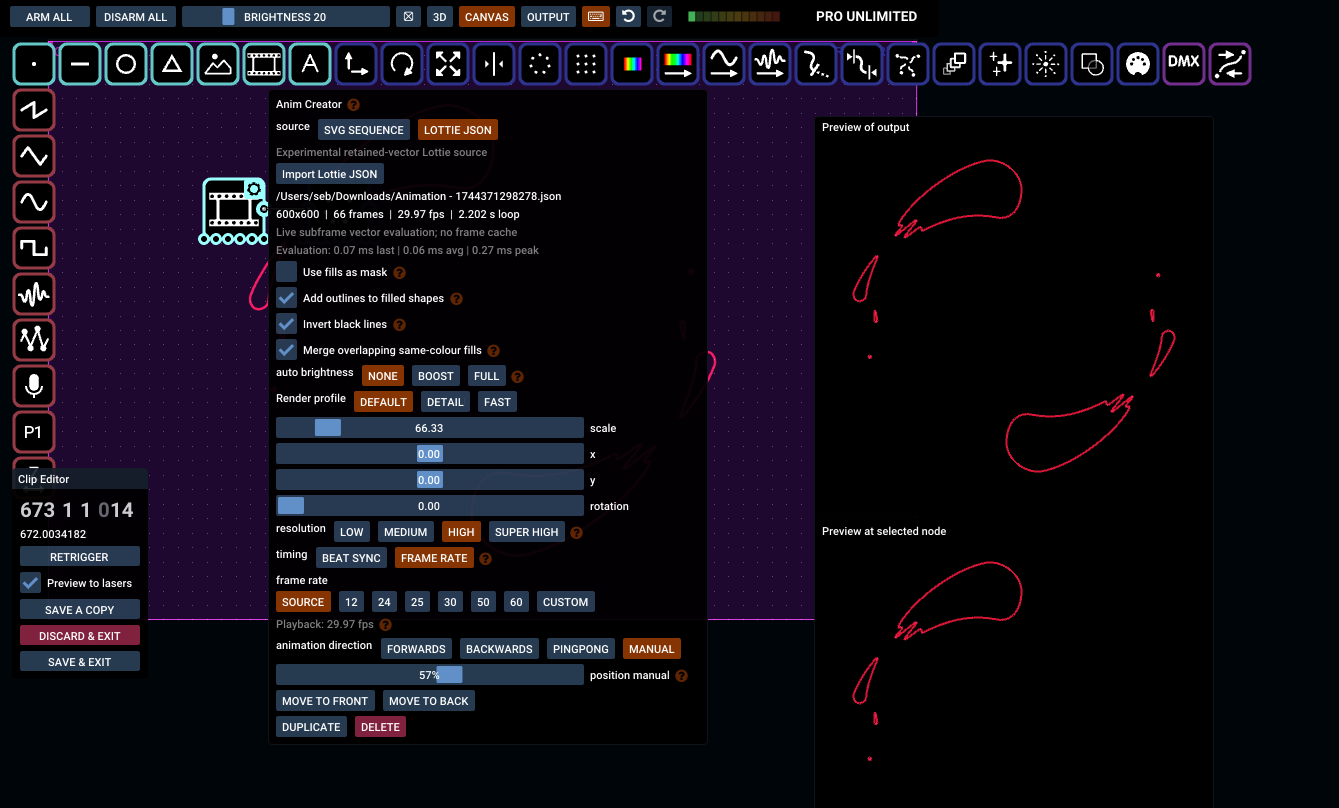
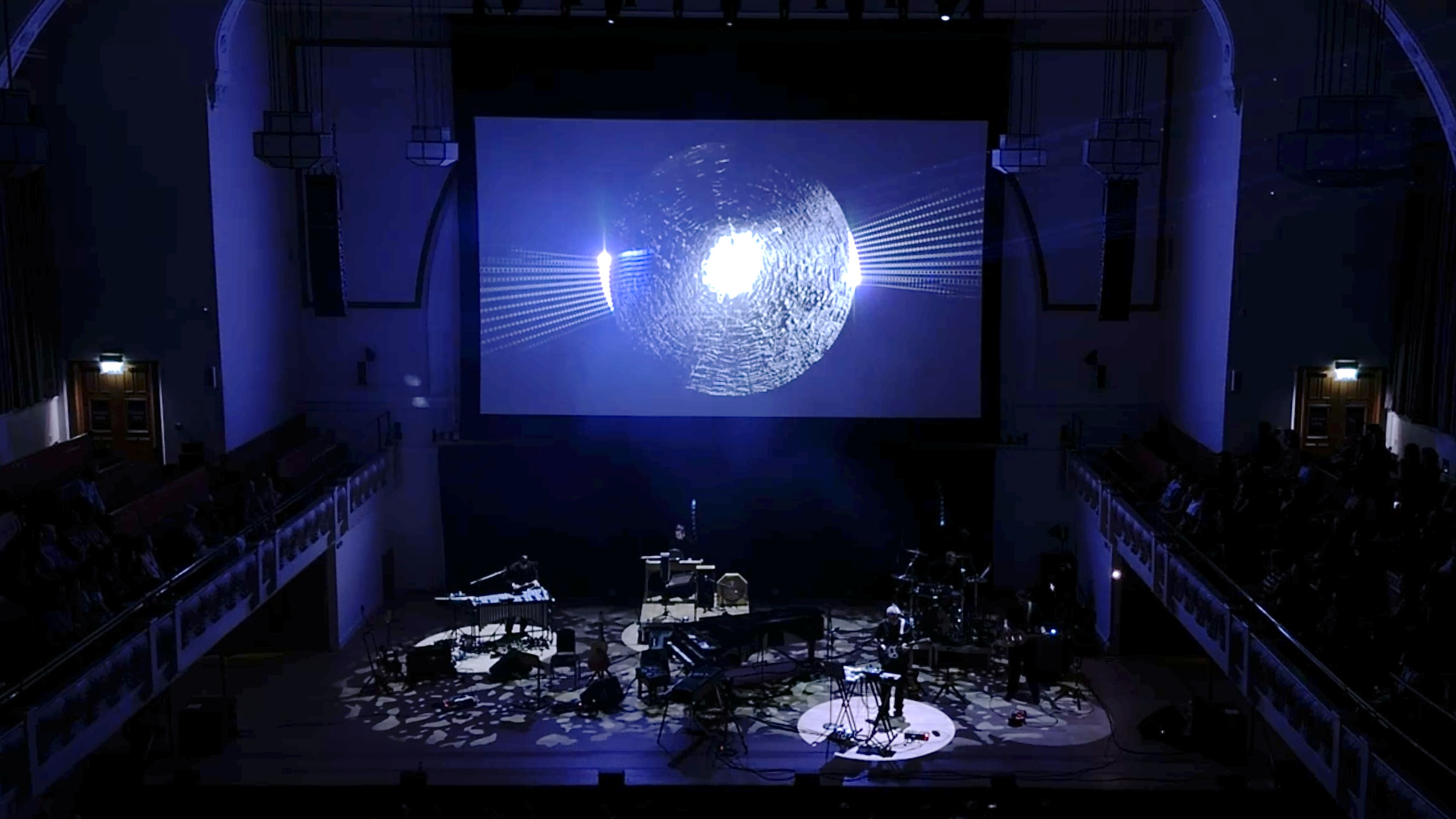
The best creative workflows often involve more than one application. Liberation offers multiple ways to connect with other creative tools, opening up a whole new world of possibilities. Send graphics from Liberation to your favourite video software via NDI, where you can manipulate them to create ripples, distortions and video feedback effects. Or use the upcoming Liberation Video Tracer to extract shapes from video and turn them into laser graphics. Create completely custom content in TouchDesigner or MadMapper and send it directly to Liberation via PONK. And for the coders, Liberation now has its own SDK, allowing you to generate vector graphics in your own applications and send them to Liberation for laser rendering.
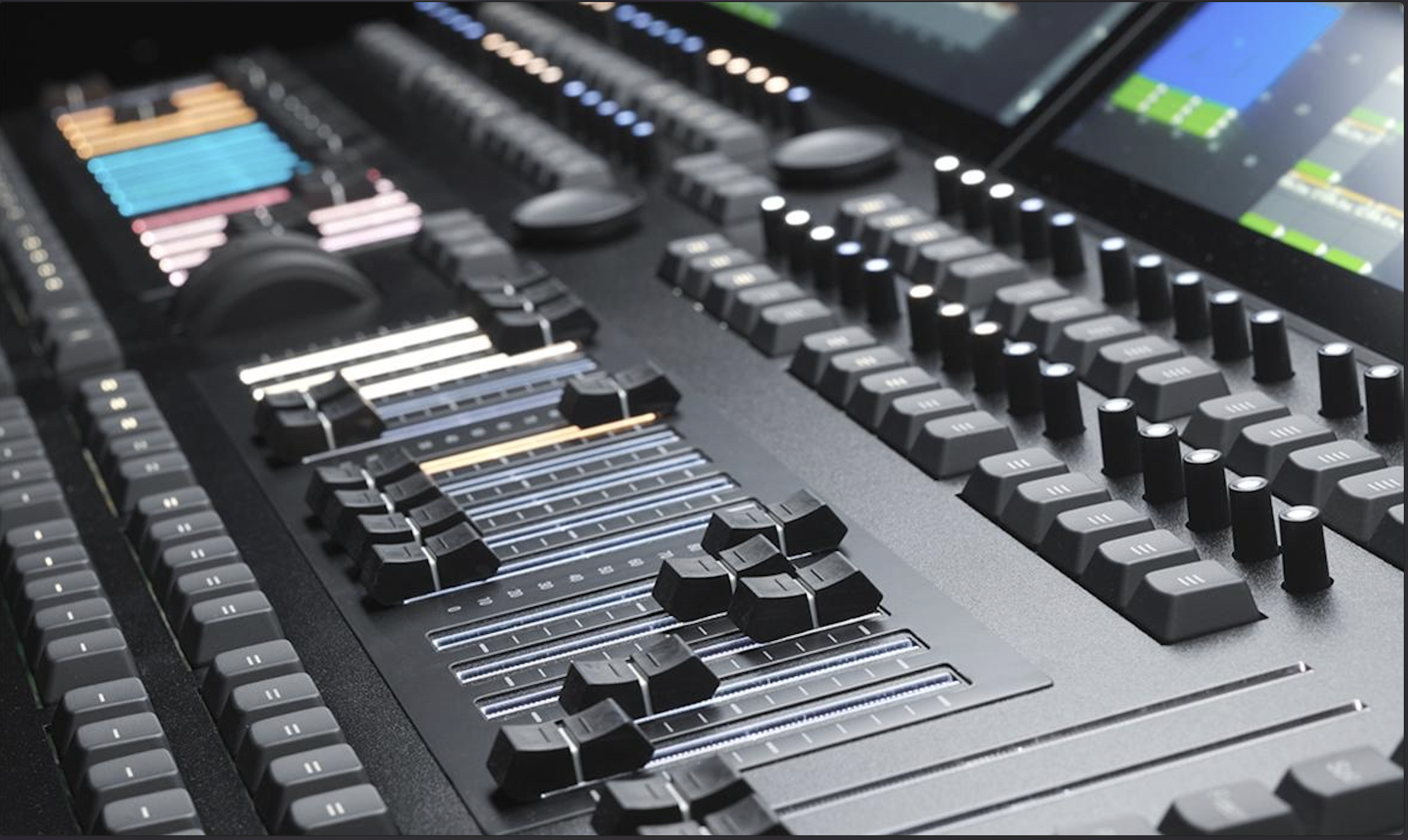
Control your lasers from grandMA, ChamSys, Avolites, Obsidian or any lighting console using DMX, Art-Net or sACN. Every laser zone becomes an independent DMX fixture, giving you familiar moving-head-style control over position, size, colour, effects and more, while retaining Liberation's powerful zoning system.
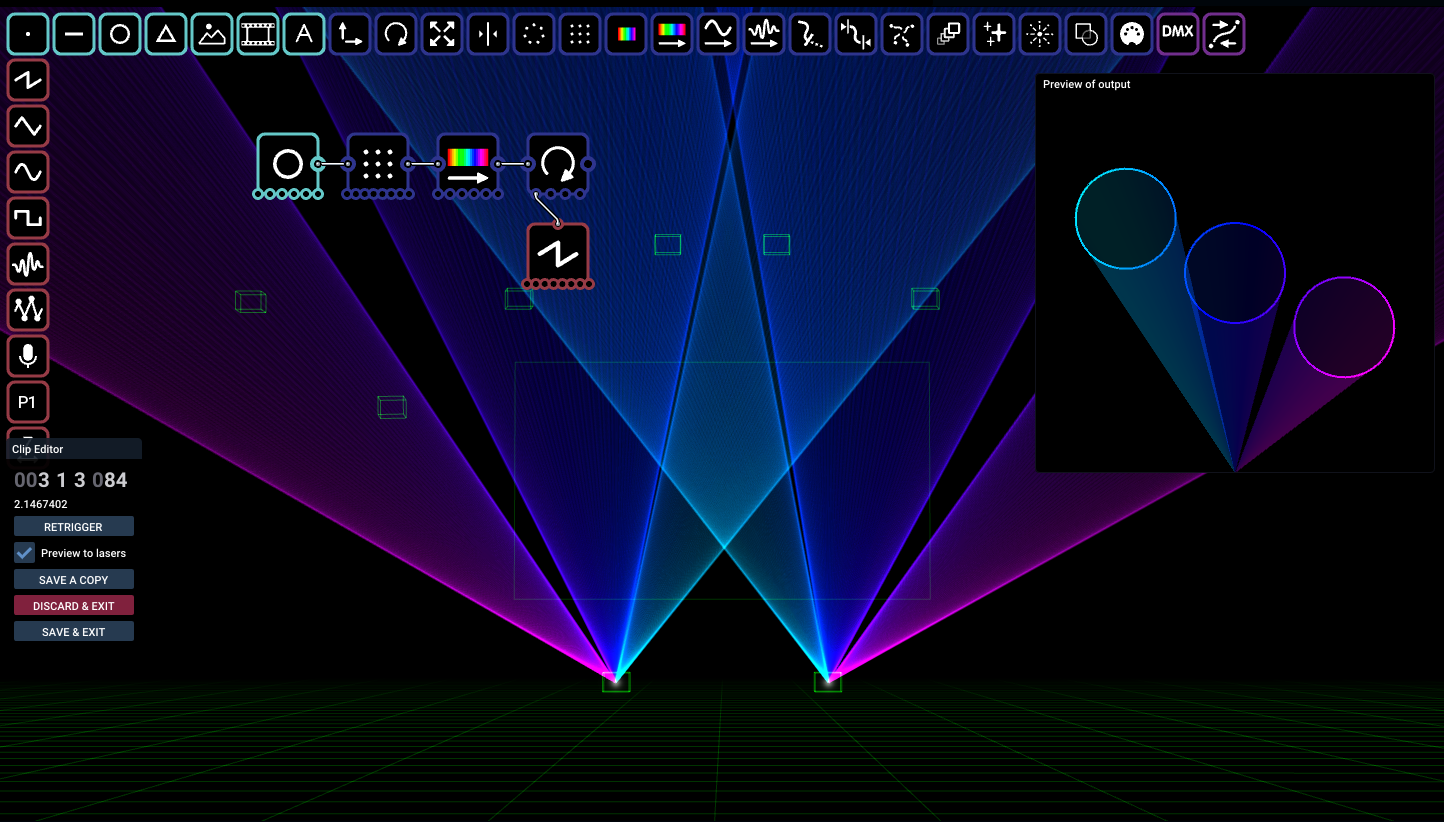
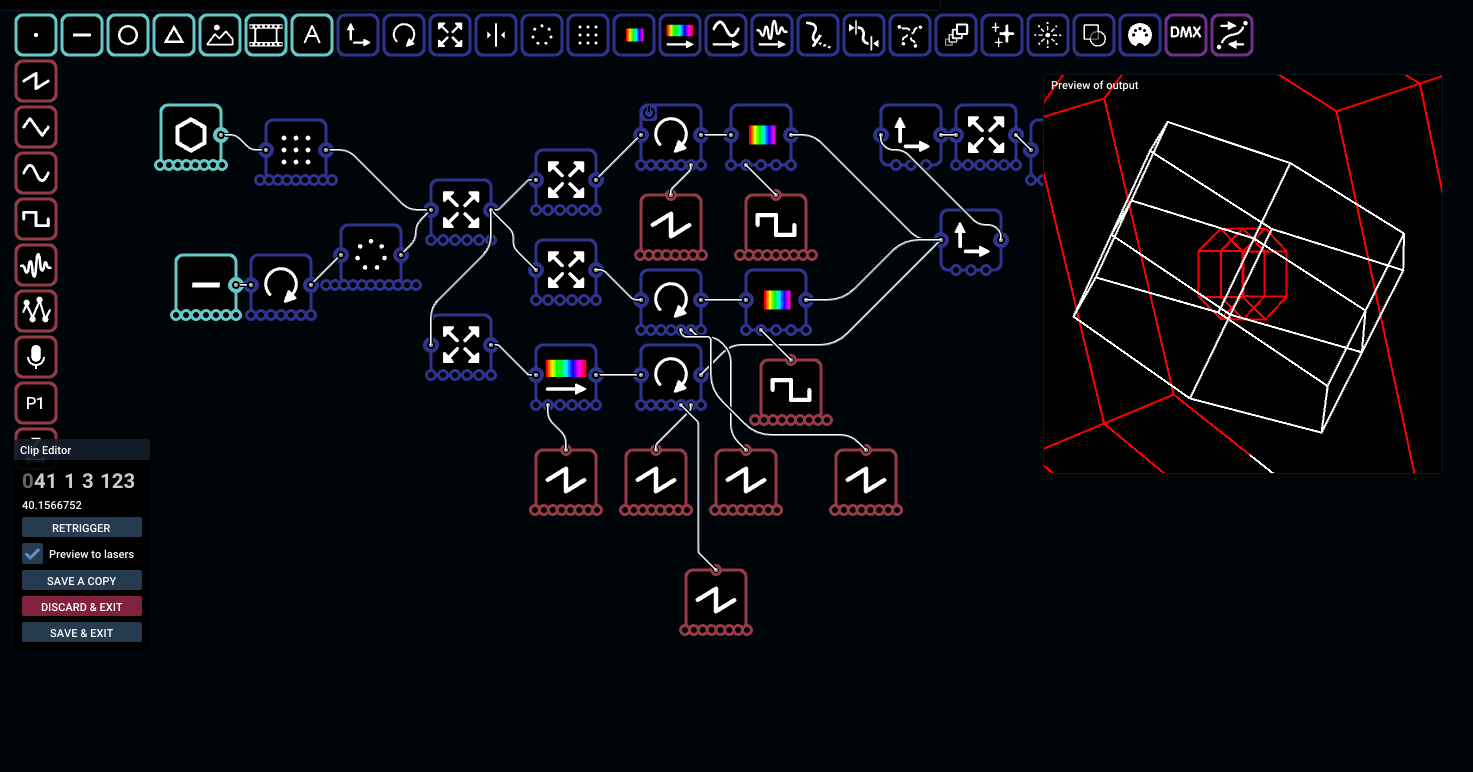
Liberation’s node editor makes it incredibly quick and easy to create your own laser effects, while offering the power and flexibility to build something truly sophisticated. Connect simple building blocks to create shapes, animations, transformations and colour effects. Create something impressive in seconds!
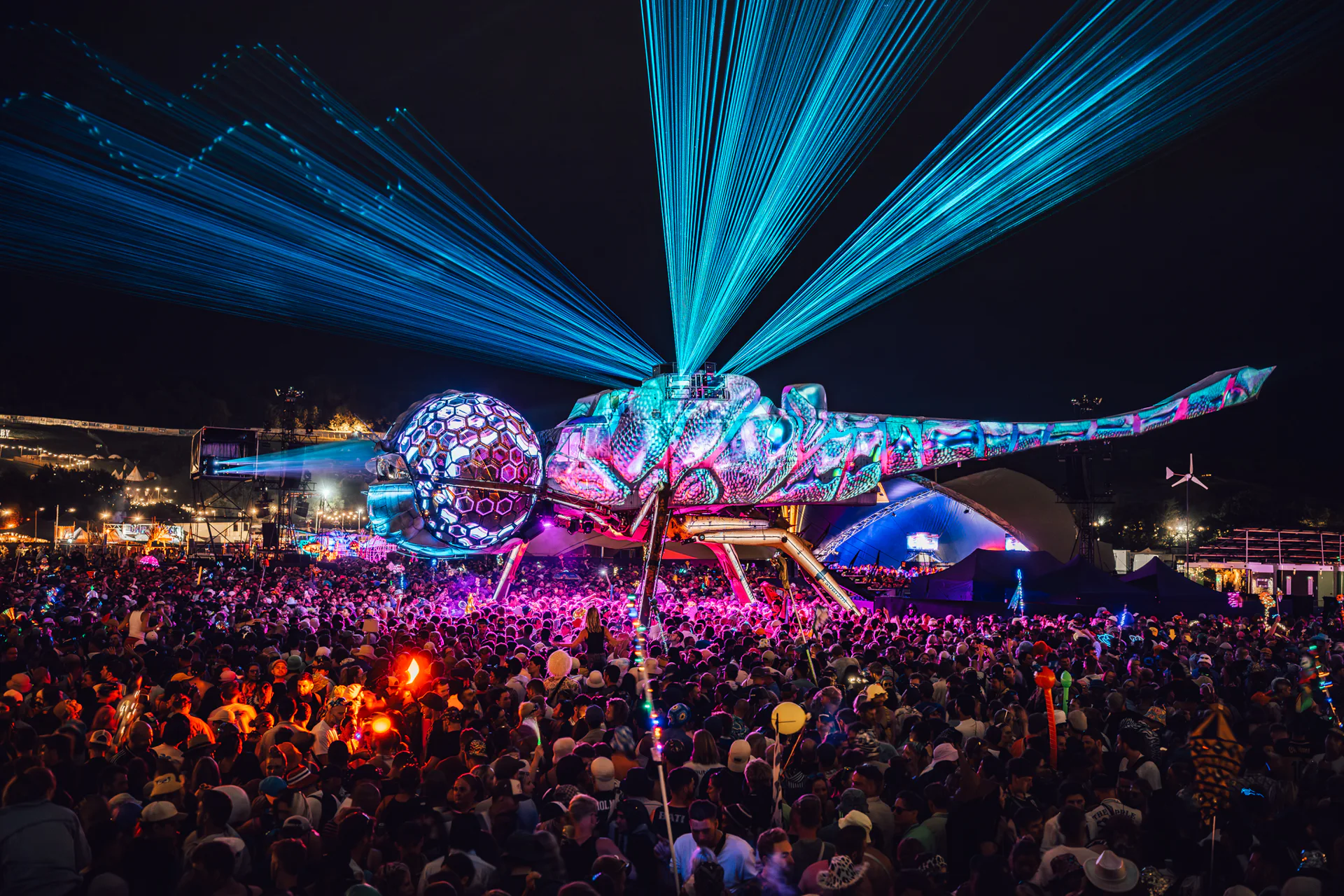
Two spectacular Arcadia projects used Liberation to bring their ambitious visions to life. The Spider brought 90 lasers together on a single computer, running for three nights straight without missing a beat. Last year, the award-winning Dragonfly took flight, with Liberation once again powering the lasers.
Windows and macOS. Create, save and visualise for free.
Create, save and visualise for free. A paid licence unlocks output.